ato de yomu
/ato de jomɯ/
The read-it-later app that stays out of your way.
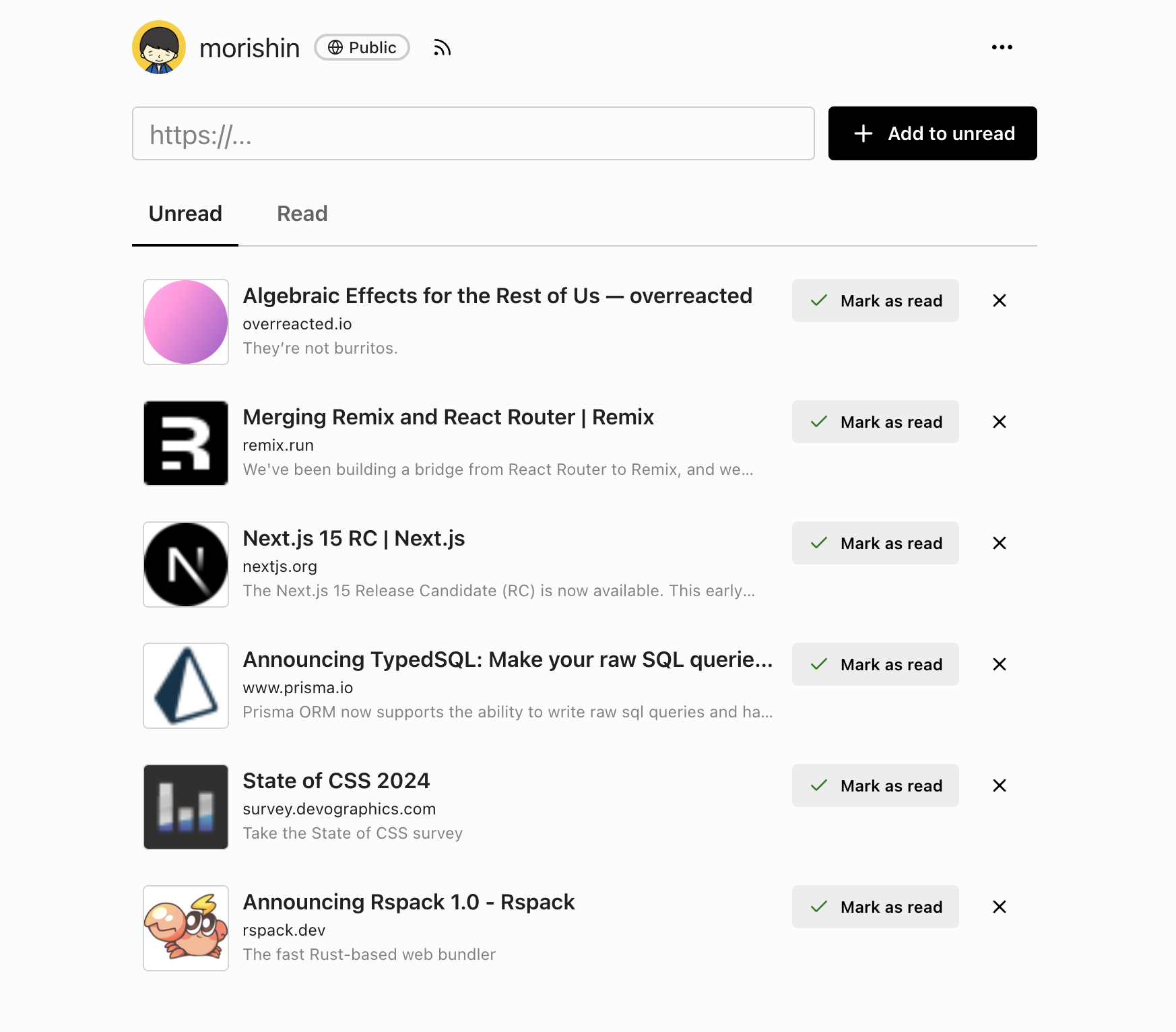
Save web pages in one tap, track what you've read, and share your list—or keep it private.
Why ato de yomu?
A simple, fast reading list app that respects your time.
Unread / Read tracking
A clear inbox of unread pages and a searchable history of what you've finished. Mark all as read when you declare reading bankruptcy.
Save from anywhere
PWA share target, iOS Shortcuts, Chrome Extension, Alfred Workflow, or plain cURL — add pages the way that fits your workflow.
Public or private lists
Share your reading list as a public profile, or flip one switch to make everything private. Each page can also be set public or private individually.
RSS for public lists
Every public list has an RSS feed, so friends can follow what you're reading from their favorite reader.
API & Personal Access Token
Automate adding pages from your own scripts, Shortcuts, or custom tools with a personal access token.
Free and open
ato de yomu is free to use. No ads, no tracking pixels, no upsell.
How to save a page
Use whichever method fits your device.
iPhone / iPad
Install as a PWA from Safari and use Web Share, or install the iOS Shortcut for one-tap saving from the share sheet.
Android
Install as a PWA from Chrome and share pages directly from the share menu.
Desktop browser
Install the Chrome Extension to save the current tab with one click.
Alfred / CLI
Use the Alfred Workflow or any script that can POST to the REST API.
Frequently asked questions
What is ato de yomu?
ato de yomu is a read-later / reading list app for saving web pages you want to come back to. It tracks unread and read pages, supports public profiles with RSS, and offers an API — a simple alternative to apps like Readwise Reader, Pocket, and Instapaper.
Is it free?
Yes. ato de yomu is free to use for everyone.
Can I keep my reading list private?
Yes. You can make your entire profile private, or control visibility per page.
Can I follow someone else's list?
Every public list has an RSS feed at /<username>/rss. Subscribe from any RSS reader.
Does it have an API?
Yes. Each user has a personal access token and can POST to /api/users/<username>/pages to add a page. This powers Shortcuts, Alfred, and the Chrome Extension.
How is it different from Readwise, Pocket, or Instapaper?
ato de yomu focuses on one thing: a no-frills list of pages to read later, with public/private profiles and RSS built in. It doesn't highlight, summarize, or charge a subscription — it just keeps your list.